

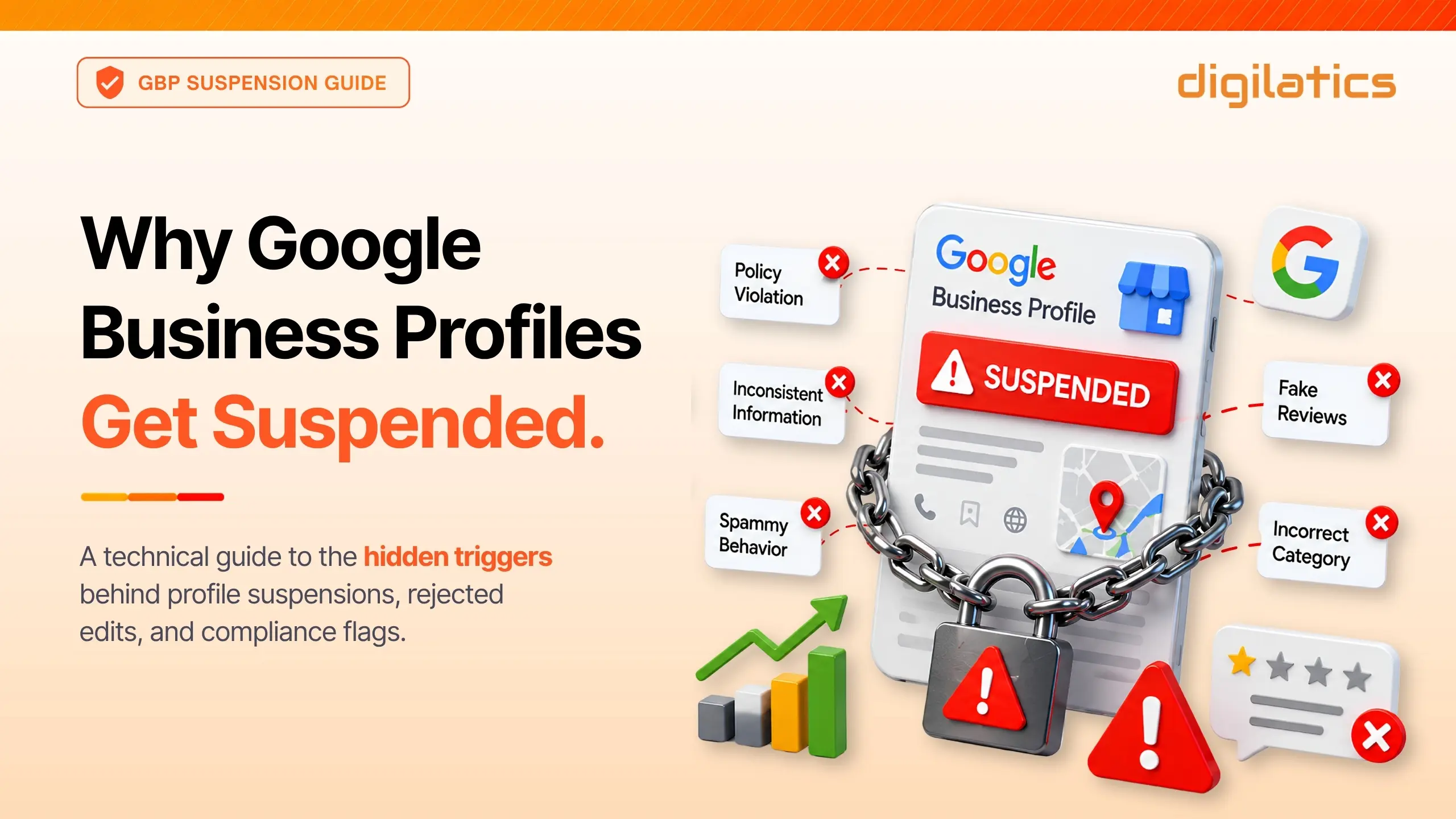
For any modern local business, your Google Business Profile (GBP) is the lifeblood of your customer acquisition. It drives the phone calls, the “near me” directions, and the local trust that builds your revenue.
But behind the scenes, Google’s automated verification algorithms, supercharged by advanced real-time AI detection, are stricter than ever. Thousands of legitimate businesses are finding their profiles suspended or restricted overnight, often without warning.
In their latest spam-fighting initiatives, Google’s automated filters blocked or removed 292 million policy-violating reviews globally in a single year, while simultaneously removing over 13 million fake business profiles.
As professional GBP reinstatement experts, we see the fallout daily. Most suspensions don’t happen because a business is fake; they happen because a business owner accidentally steps over a hidden policy line.
This guide outlines exactly how Google evaluates trust, why profiles get flagged, and the ironclad best practices required to keep your profile secure.
Anatomy of a Flag: Soft vs. Hard Suspensions
While Google officially labels its enforcement actions as suspended, disabled, or restricted, the local SEO industry generally breaks these penalties down into two distinct categories:
- Soft Suspension
Your business listing remains visible to the public on Search and Maps, but your administrative access is locked. You cannot edit information, reply to reviews, or post updates until an appeal is resolved.
- Hard Suspension
The worst-case scenario. Your profile vanishes entirely from the internet. Your reviews, ranking power, and local visibility drop to zero instantly.
What Most Business Owners Miss: Account-Level Volatility
Google heavily utilizes account-level restrictions. If an unverified user or an unauthorized third-party account connected to your listing is flagged for suspicious activity elsewhere, Google can instantly freeze or restrict access to your business profile.
Why This Matters: Industry data shows that up to 68% of online searchers prefer to click directly on the Google Map Pack when looking for a local service. Because your profile drives the clear majority of your daily customer actions, an unexpected account-level restriction isn’t just a minor technical glitch; it is an immediate revenue emergency.
The Top 4 Suspension Triggers (And How to Avoid Them)
1. The Name Game (Keyword Stuffing)
It is tempting to change your business name to “Joe’s Plumbing – Best Plumber in Boston” to rank higher. Do not do it.
- The Rule: Your GBP name must exactly match your real-world branding, storefront signage, and legal registration (LLC/EIN paperwork).
- The Guardrail: Avoid marketing taglines, emojis, or geographic keywords unless they are legally part of your registered name.
2. Physical Address & Virtual Office Violations
Google requires absolute proof of physical presence.
- The Rule: P.O. Boxes, UPS Store mailboxes, and remote virtual offices are strictly prohibited.
- Co-working Spaces: You can use a co-working space only if your business maintains clear, permanent signage at the location, directly receives customers there during your stated business hours, and is continuously staffed by your own team members during those hours.
- Service-Area Businesses (SABs): If you operate from your home and visit clients at their locations (like most home service businesses, you must hide your address from the public. Google does not allow radius-based boundaries; instead, you must manually define your territory by selecting up to 20 specific cities, neighborhoods, or postal codes. To stay compliant, the outer boundaries of your overall service area should not extend further than about 2 hours of driving time from your business base.
3. Rapid or Chaotic Profile Edits
Making multiple high-impact changes to your profile at the exact same time can inadvertently mimic the behavior of a listing hijacking, causing Google’s automated fraud filters to temporarily flag the account.
- The Guardrail for Urgent Corrections: If your phone number, physical address, or core business info is genuinely incorrect, fix it immediately. Ensuring your customers have accurate data always takes priority over algorithmic caution.
- The Best Practice for Routine Optimizations: For non-urgent updates, such as tweaking your primary category, adjusting secondary service areas, or testing new business descriptions, the best practice is to space these changes out over a week or two. Grouping minor, non-essential edits together in one day unnecessarily triggers automated verification checks.
4. Promotional & Restrictive Post Content
When posting updates, photos, or descriptions, clients often run into content flags without realizing they broke a rule.
- No Links or Contact Info in Descriptions: Do not place URLs, phone numbers, or emails inside your business description text.
- Avoid Gimmicky Sales Language: Writing “Everything 50% Off!” or “Cheapest Rates in Town!” violates Google’s core editorial guidelines on promotional text. Keep descriptions strictly focused on who you are and what you do.
Why Your Edits or Posts Get Rejected
If your profile edit or post is suddenly rejected, it’s usually because Google’s automated systems flagged one of the following algorithmic tripwires:
- Phone Stuffing in Posts
Google explicitly prohibits adding a phone number within the text body of a post to prevent spam. Instead, you must use the built-in “Call Now” action button linked to your verified profile number.
- Superimposed Text on Photos
Uploading photos with heavy text overlays, massive logos, or promotional watermarks will trigger an automatic rejection. Google’s AI prefers clean, unedited, real-world photography.
- Repetitive Content
Uploading the exact same photo, post text, or stock imagery across multiple weeks signals automated bot behavior to Google’s spam filters.
- Restricted Keywords
Using words related to highly regulated industries (e.g., financing, medical claims, legal guarantees) even in a casual context can cause an instant programmatic rejection.
- Account-Level Restrictions (The Hidden Trigger)
Sometimes your content isn’t the problem; the account uploading it is. If a user or manager on your listing has a history of policy violations on other profiles they handle, Google automatically restricts their account authority. Consequently, any edits or posts submitted from that compromised account are instantly auto-rejected to protect your profile from potential spam.
If your profile edit or post is rejected, here are some more reasons why the submitted content could be rejected.
The Golden Rules for Keeping Your Profile Safe
To bulletproof your local presence, implement this compliance checklist immediately:
| Strategy | Action Item | Why It Matters |
| Audit User Access | Remove old marketing agencies or former employees. | A single restricted user account can tank your entire listing. |
| NAP Consistency | Ensure your GBP Name, Address, and Phone (NAP) is consistent on all listing websites. | Google cross-references your digital footprint to establish trust. |
| Secure Your Paperwork | Keep an active utility bill, lease, or business license matching your exact GBP details on file. | Once you open the evidence form, Google gives you 60 minutes to upload your proof, so have your documents ready before you start. |
| Verify Authentically | When prompted for Video Verification, show street signs, matching storefront signage, and operational tools. | Fake setups are instantly rejected by human and AI reviewers. |
What to Do If You Get Suspended
If the dreaded “Suspended” or “Restricted” status hits your dashboard, freeze and do not panic.
The biggest mistake business owners make is aggressively changing details while under review. This resets the verification clock and signals spam behavior to Google’s support team.
Instead, reach out to us immediately. Identifying the exact algorithmic trigger requires an expert eye. Our team will deeply analyze your profile setup against your legal registration, isolate the core discrepancy causing the flag, and execute a flawless, compliant remediation strategy on your behalf.
When it comes to Google, absolute accuracy is your best SEO strategy. Let the professionals handle the compliance, so you can get back to business.
Already Suspended? Don’t Risk a Permanent Ban
Navigating Google’s complex appeals process on your own can feel like walking through a minefield. One wrong document or misstep can result in a permanent, irreversible rejection.
If your listing has been suspended, restricted, or your recent posts are constantly getting rejected, let the professionals handle it. We know exactly what Google’s review teams look for and how to clean up your profile to ensure a swift, compliant reinstatement.


